
New phone, quick unlock and language
Get your diary on a new phone, lock it with your fingerprint, and change the language or the dark theme.
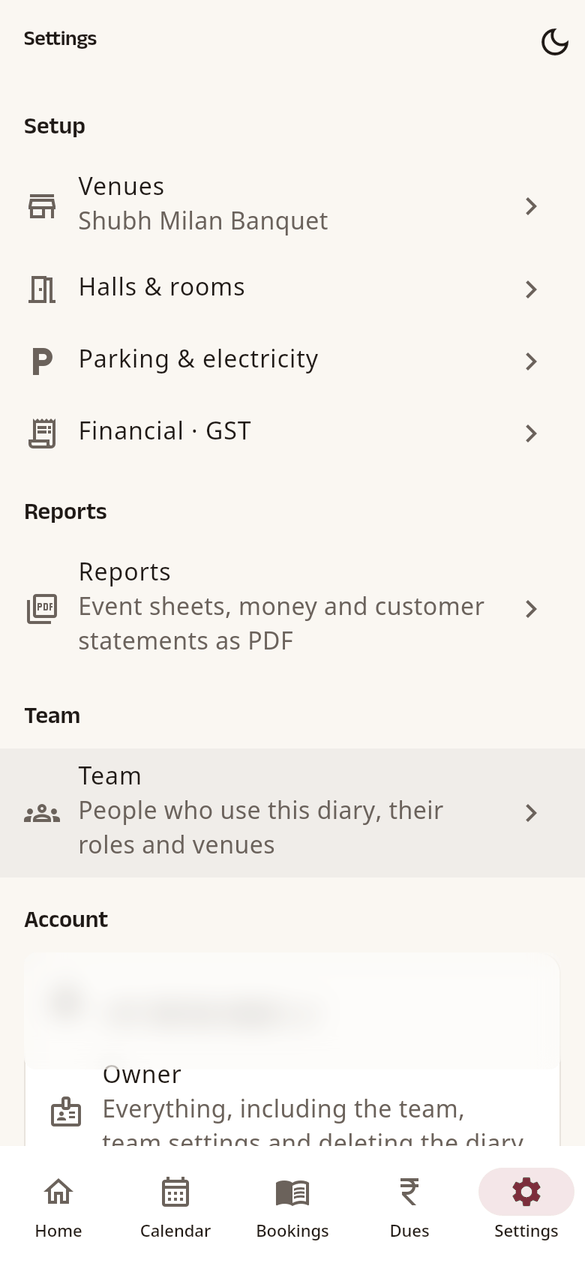
New or lost phone
Install HallDiary on the new phone and sign in the same way as before: the same mobile number or the same Google account. Your whole diary comes back, because it is kept in your account, not on the phone.
To have a second way in, add both: Settings › Add mobile number (if you use Google) or Link Google account (if you use your mobile).
Quick unlock
Turn on Settings › Quick unlock to open the diary with your phone's fingerprint, face or PIN. The diary then locks when the app starts, after 5 minutes in the background, or when you tap Lock diary.
Language and theme
- Settings › Language: English or हिन्दी. When the owner changes it, it becomes the diary's language; for others it changes only their own device.
- The sun or moon at the top of Settings switches between light and dark.
Sign out
Settings › Logout. Your diary stays safe in your account. If something is still waiting to sync, HallDiary tells you first.