
Dues and payment reminders
See who still owes money, send a polite WhatsApp reminder, and get a daily summary of what needs attention.
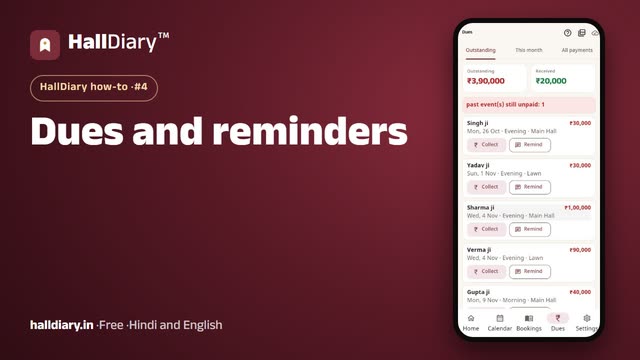 Watch the video · 0:57opens on YouTube
The Dues tab
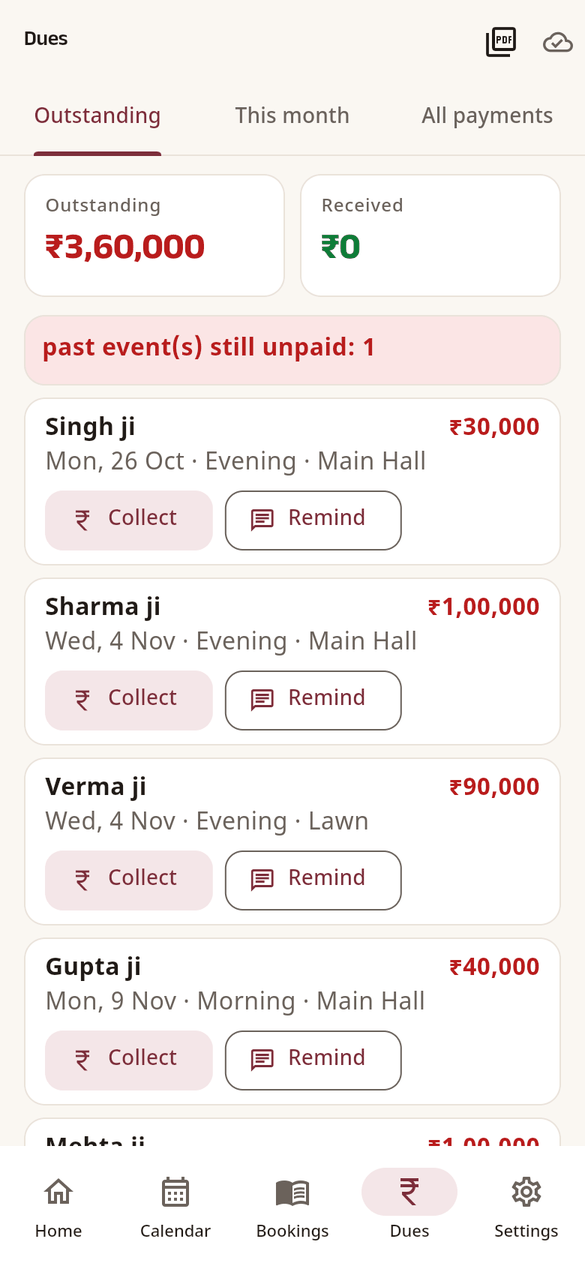
Open Dues. The top shows the total Outstanding and what was Received this month. Below are three lists:
- Outstanding: every booking with a balance, nearest event first. A red line warns about past events still unpaid. Collect records a payment; Remind opens WhatsApp.
- This month: payments and refunds received this month.
- All payments: everything, month by month.
The PDF icon at the top makes the Dues and ageing report.
Remind on WhatsApp
Tap Remind in Dues, or Send payment reminder in the booking's ⋯ menu. WhatsApp opens with a polite message in your app's language, with the balance, the date and the slot. Check it and send.
Reminders inside the app
The bell on Home shows how many things need attention: events today and tomorrow, balances due within a week, tentative bookings coming close, and clashes. Tap it to see them all.
A summary every morning
In Settings › Notifications, turn on Daily reminder and pick the Reminder hour (8:00 unless you change it). The Android app then sends one summary a day. In a browser it appears only while HallDiary is open.